5 Reasons Your Cape Town Website is Losing You Leads
(And How to Fix It)
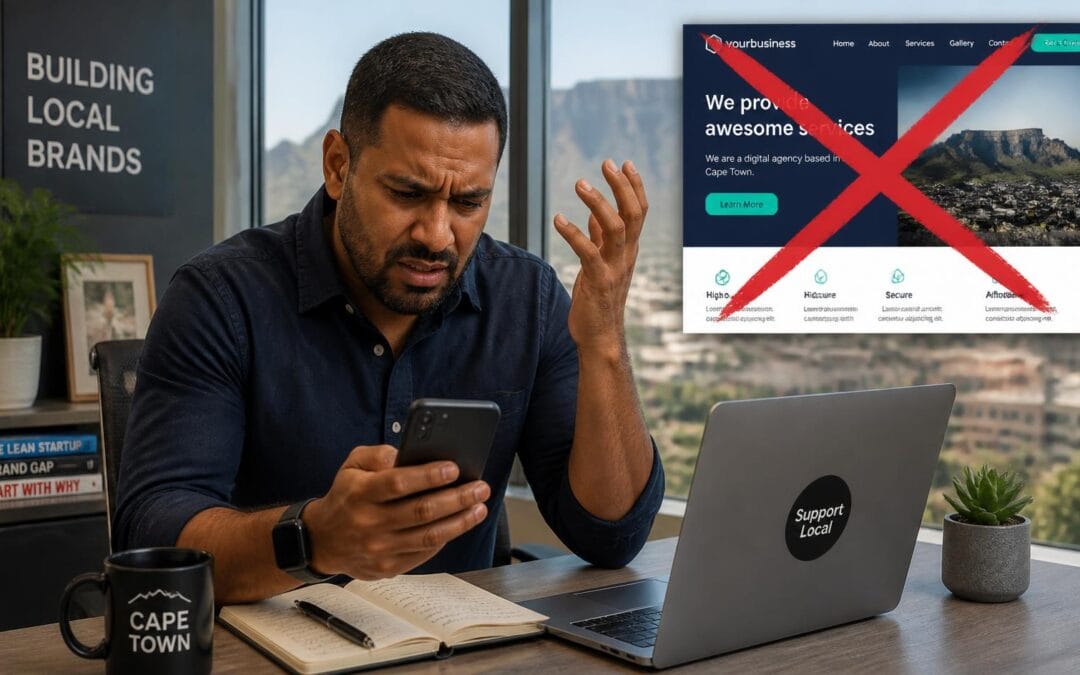
You paid good money for a website—or maybe you built it yourself on Wix. But here's the reality: the phone isn't ringing and the enquiry forms are empty and you're wondering if the whole "digital marketing" thing is just a big scam.
It isn't a scam. It's just that your website is making some critical mistakes that are driving potential Cape Town customers away.
🇿🇦 The Cape Town Context: We deal with load shedding and expensive data costs and a fiercely loyal "local is lekker" culture. If your website doesn't align with those realities you are essentially invisible.
Table of Contents
1. You’re Burning Their Data (Slow Load Speeds)
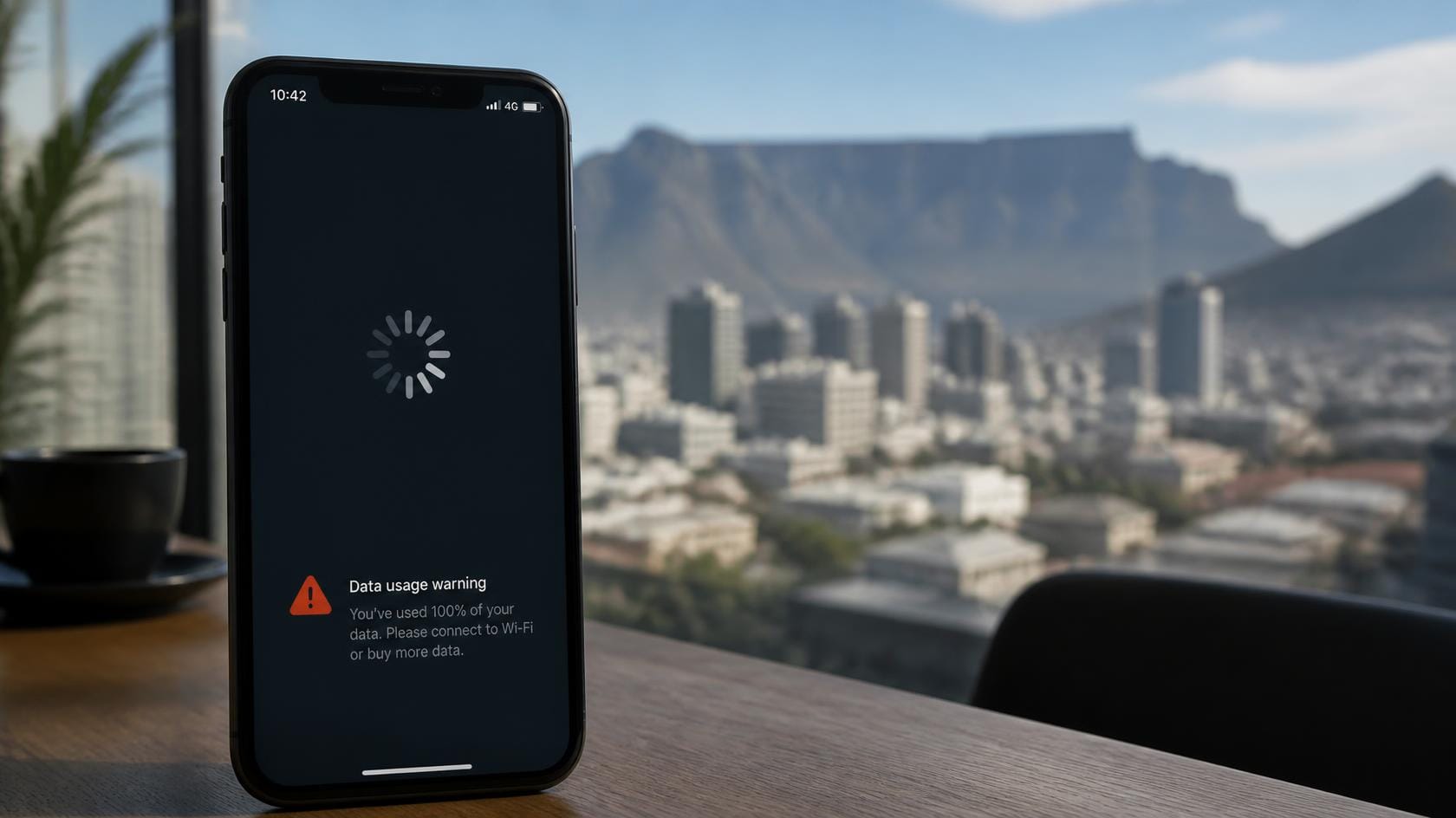
Mobile data in South Africa is expensive. If a potential customer in Sea Point clicks on your site and it takes 5 seconds to load they are literally losing money while they wait.
Google data shows that for every second your site takes to load your conversion rate drops by 20%. In Cape Town users are impatient because they are likely using 4G on the move. If your site is heavy with huge images and clunky code they won't wait.
✅ The Fix:
• Compress all images to under 200kb.
• Use a local South African hosting provider (closer servers = faster loading).
• We check this specifically in our Free Website Audit below.
2. The “Pinch to Zoom” Nightmare (Not Mobile Friendly)

Walk into any coffee shop in Kloof Street. Look at what people are using. It's their phones.
If your website requires a user to pinch and zoom and scroll sideways just to read a paragraph they will hit the back button within 3 seconds. Google actually penalises sites that aren't mobile-friendly which means you won't even show up in search results on a phone.
✅ The Fix:
• You need a "Mobile-First" design. This means the site is built for the phone first.
• Buttons need to be big enough for thumbs (not mouse pointers).
• Text needs to be readable without zooming.
3. You Look Like a “Ghost” (No Local Trust)
Imagine walking into a shop in the V&A Waterfront where the assistant doesn't know what suburb they are in. You'd walk out right?
The same happens online. If your website does not mention "Cape Town" or "Western Cape" or have a physical South African address then locals don't trust you. They assume you are an international dropshipper or a faceless corporation.
✅ The Fix:
• Put your physical Cape Town address in the footer of every single page.
• Add a Google Map embedding showing your location.
• Mention the suburbs you serve (e.g. "We serve Bellville and Durbanville and the Southern Suburbs").
4. The “Maze” Effect (Bad Navigation)
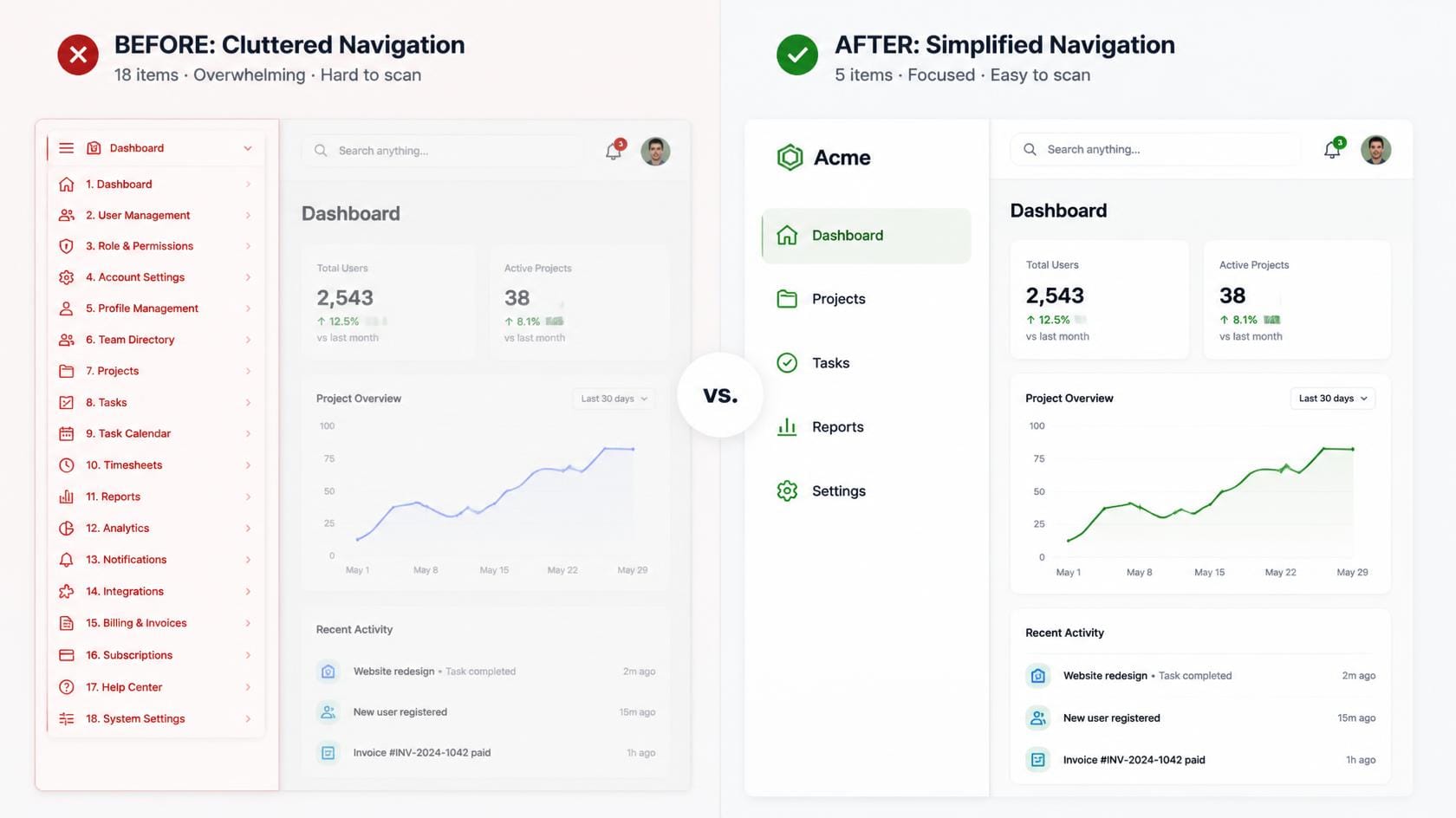
You have 18 items in your main menu. "Home, About, Services, Products, Blog, News, Gallery, Shop,
Contact, Support, FAQ, Team, Careers..."
Stop.
When a lead lands on your site they have one question: "Can you solve my problem and how do I talk to you?" If you give them too many choices they suffer from "analysis paralysis" and leave.
✅ The Fix:
• Keep your main menu to 5 items maximum.
• Home | Services | About | Portfolio | Contact.
• Make the "Contact" button a different colour so it stands out.
5. The “Not Secure” Red Flag (Missing SSL)
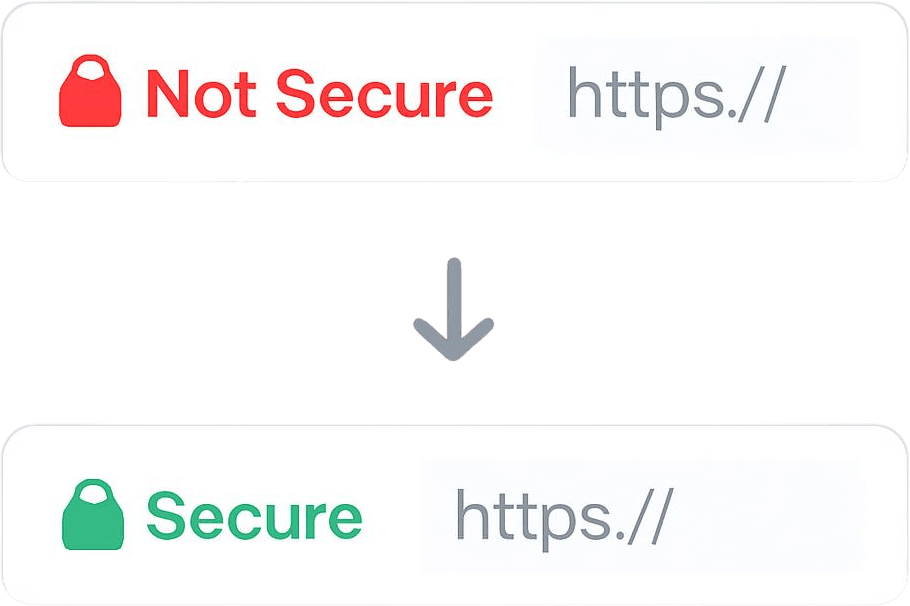
If you look at your browser bar right now and see "Not Secure" in red text next to your URL then you are losing 50% of your leads.
Chrome flags websites without SSL (the padlock icon) as dangerous. In a time of cybercrime and phishing scams a red warning is the kiss of death. It tells your potential client: "Don't enter your email address here because you'll get hacked."
✅ The Fix:
• Install an SSL Certificate (we provide this for free with all our hosting packages).
• This turns the "Not Secure" into a "Lock" icon which instantly builds trust.
🚀 Stop Losing Money. Get a Free Audit.
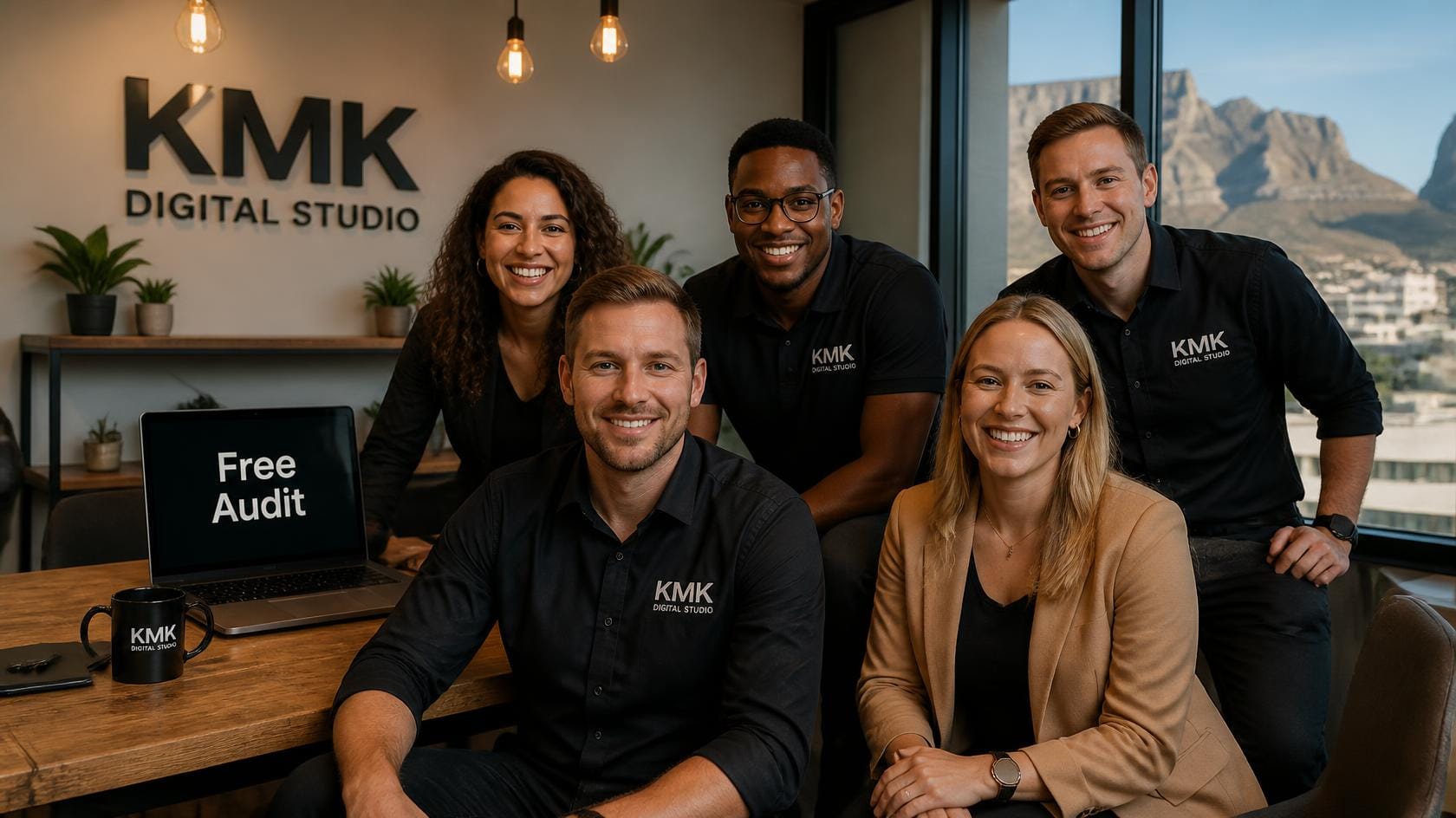
You might be reading this thinking "Okay I have 3 of these problems." Don't panic. That is exactly why we are here.
We are KMK Digital Studio and we are a Cape Town-based digital agency that fixes broken websites. We don't just make you look pretty. We make you convert visitors into paying clients.
🎯 100% Free · No Obligation
We will look at your site and tell you exactly:
• How fast it loads.
• Where you are losing leads.
• How to fix it.
⏳ Limited spots available · First come first served
© 2026 KMK Digital Studio · Cape Town · South Africa